|
 |
|

|
| |
| **No Video? Download the TechSmith Screen Capture Codec. |
|
Below are the Advanced Video Tutorials which demonstrate construction of complex objects.
Right Click and "Save Target As" to download SWF files to your computer. |
|
|
|
| |
| |
|
|
| |
|
|
 |
|
Updated Power NURBS Phone Modeling video (Download SWF)
This tutorial shows:
- Power Sketching
- Power Extrude
- Power Boolean
- Power Fillet
- Power Detailer
- Power Join
- The Power Cutter Tool
- Material Assignments
See it speedmodeled on our youtube channel here |
| |
|
|
|
|
|
| |
|
|
|
| |
| |
|
 |
|
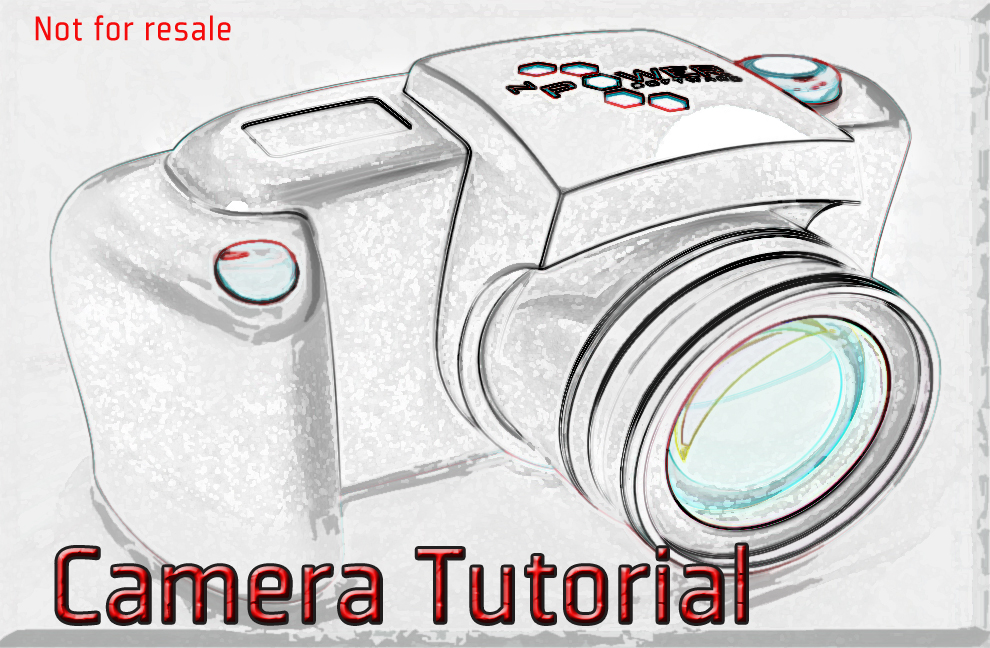
Updated Camera Modeling Video
Smaller Video
This tutorial shows:
- The Power Skin Tool
- The Power Boolean Tool
- The Power Fillet Tool
- The Power Detailer Tool
- The Power Extrude Tool
- The Power Revolve Tool
- The Power Cutter Tool
|
|
|
| |
|
|
 |
|
Power NURBS Camera Modeling Video (download ZIP )
This 22 minute tutorial shows:
- The Power Loft Tool
- The Power Boolean Tool
- The Power Fillet Tool
- The Power Detailer Tool
- The Power Extrude Tool
- The Power Revolve Tool
- The Power Cutter Tool
|
|
|
|
| |
|
|
 |
|
Updated Power NURBS Shoe Modeling video
This tutorial shows:
- Sketching a closed shape with a single curve
- Adding split points with referencing
- Blending between 3 curves and modifying the accuracy
- Curvature analysis
- Editing of Tangent Control Handles and Split Points
- Creating a Composite Sketch from two Edges of Blend
- Creation of Additional Blends to Close front and end of Shoe
- Joining Surface into a single sewn shell
- Shelling, Detailer, and Boolean with Surfaces
• Download Max 2012 Start File
See it speedmodeled on our youtube channel here |
|
|
|
| |
|
 |
|
Power NURBS Shoe Modeling Video - (download SWF)
This tutorial shows:
- Sketching a closed shape with a single curve
- Adding split points with referencing
- Blending between 3 curves and modifying the accuracy
- Curvature analysis
- Editing of Tangent Control Handles and Split Points
- Creating a Composite Sketch from two Edges of Blend
- Creation of Additional Blends to Close front and end of Shoe
- Joining Surface into a single sewn shell
- Shelling, Detailer, and Boolean with Surfaces
|
|
|
|
| |
|
|
|
|
| |
|
|
 |
|
Updated Power NURBS Speaker Modeling Video
This tutorial shows:
- Tracing existing shape with a Sketch, editing and filleting it
- Freeform Drawing Tool in the Sketch
- Creating and dynamically editing a two rail sweep
- Creating a blend between two edges of rail sweep
- Power Trimming and Power Detailer for cutting and trimming
- Shelling to create a solid from a surface
- Power Filleting
- Power Revolve
- Material Assignment
See it speedmodeled on our youtube channel here |
|
|
|
| |
|
 |
|
Power NURBS Speaker Modeling Video (download SWF)
This 17 min. tutorial shows:
- Tracing existing shape with a Sketch, editing and filleting it
- Freeform Drawing Tool in the Sketch
- Creating and dynamically editing a two rail sweep
- Creating a blend between two edges of rail sweep
- Power Trimming and Power Detailer for cutting and trimming
- Shelling to create a solid from a surface
- Power Filleting
- Power Revolve
- Material Assignment
|
|
|
|
| |
|
|
|
|
| |
|
|
|
| |
 |
|
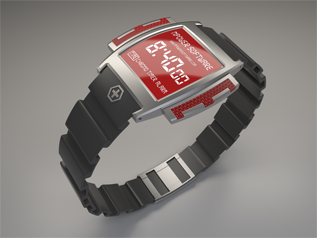
Power NURBS Watch Modeling Video
This modeling project will take you step by step through the creation process of modeling this watch while highlighting the latest Tools and upgrades Featured in the Power NURBS 6.0 release.
- 3ds Max NURBS Deformers
- Improved filleting
- Solid box modeling workflow.
See it speedmodeled on our youtube channel here |
|
|
 |
|
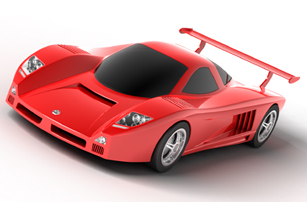
Power NURBS Car Modeling Project
This new modeling project will take you step by step through the creation process of this car, while highlighting the latest Tools and upgrades Featured in the Power NURBS 2.0 release.
- Enhanced Power Trim Tool
- New Double Sided Blend
- Newly updated Power X Curve
- New Sub-Object UV Trimming
- New Context Sensitive Quad Menu
|
|
|
| |
 |
|
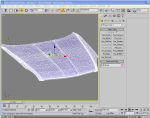
Power NURBS Modeling a Car Hood of Infinity G85 -(download SWF)
This tutorial shows:
- Creating Sketch Curves using points from a Mesh
- Sweeping with multiple shapes along 2 rails and adjusting surface quality to get good quality knot spacing.
- Trimming Surfaces
- Sweeping along 3 profiles which come together at one end at a single point.
- Visualizing Surfaces using different mesh quality settings.
- Creating a blend surface to fill in a corner.
|
|
|
| |
|
|
|
 |
| |
|
|
|
| |
| |
| |
|
 |
|
Want to follow along with the tutorials but don't have the tools?
Try our DEMO today! |
|
|
|
| |