From CAD to a clear product story
STEP to product render
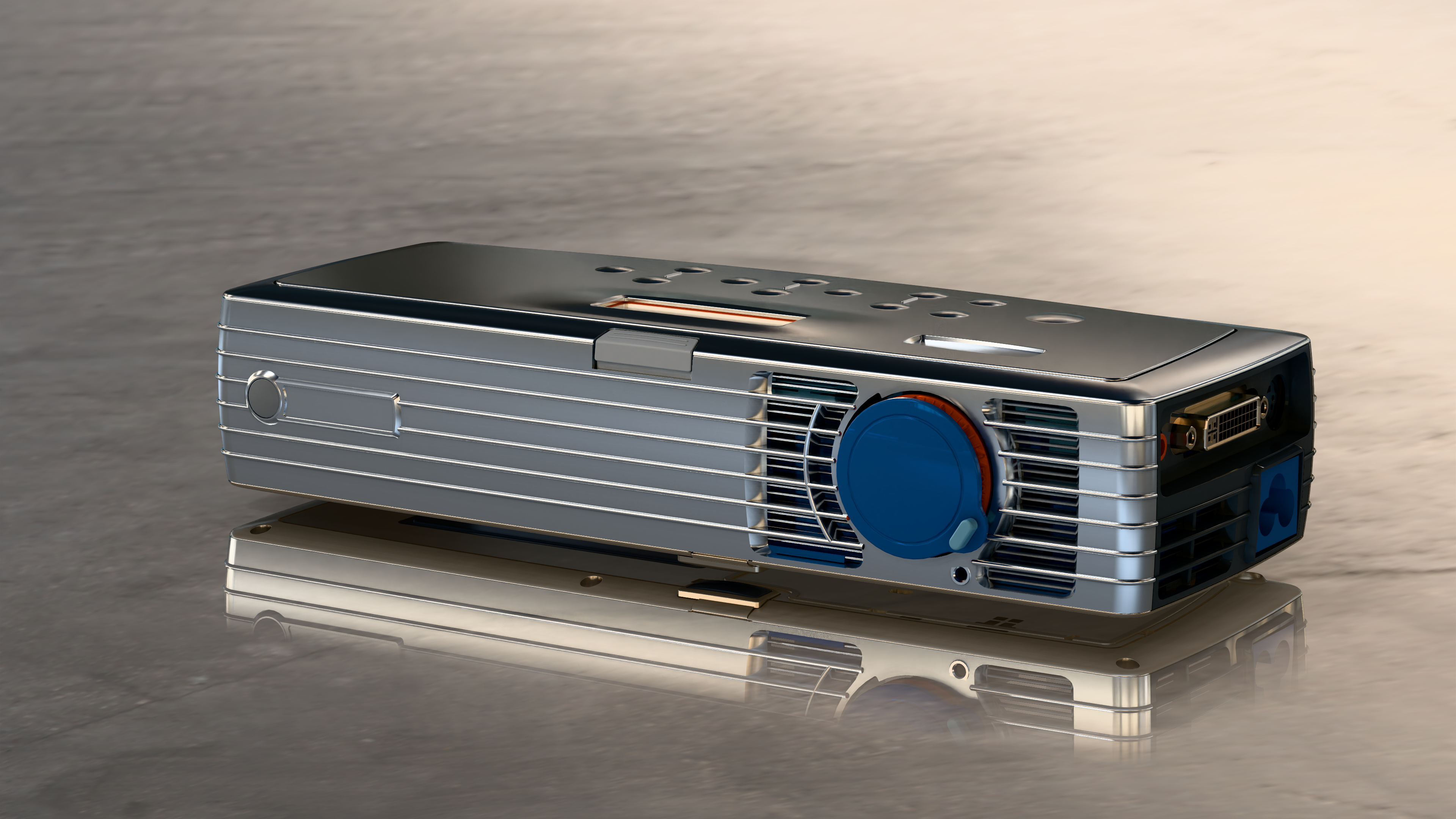
Start with engineering geometry and create an image for a product page, design review, or presentation. Import your STEP file into Power Surfacing VIZ, prepare its surfaces, and render without a full CAD seat.
Start your free 30-day VIZ trialNo credit card required. Activate in the application.
From model to result
-
01
Import the STEP model
Open the part or assembly and inspect its components. Adjust tessellation to keep curved silhouettes smooth at the size of your final image.
-
02
Choose materials and lighting
Assign finishes to parts or faces, set an HDRI environment, and compose the camera. Micro Filleting adds rounded-edge highlights to the render geometry without changing the original CAD model.
-
03
Render a product still
Choose LuxCore for physically based lighting and reflections, or bundled KeyShot for product materials and still images. Refine a preview before rendering the final image.
KeyShot still-image rendering is included with VIZ. Creating animations in KeyShot requires a full KeyShot license; VIZ also provides Cycles for stills and animation.
Getting Started with Power Surfacing VIZ
Follow STEP import, tessellation, materials, and a first render in this getting-started tutorial.
Watch on YouTubeTry it with your own model
Download VIZ, open the licensing dialog, select Power Surfacing Viz, and verify your email to start a 30-day evaluation. No automatic purchase follows the trial.