From CAD to a clear product story
Technical illustration from CAD
Make engineering geometry easier to explain. Prepare cutaways, emphasize important edges, and add geometric lettering for product documentation, training, and technical presentations.
Start your free 30-day VIZ trialNo credit card required. Activate in the application.
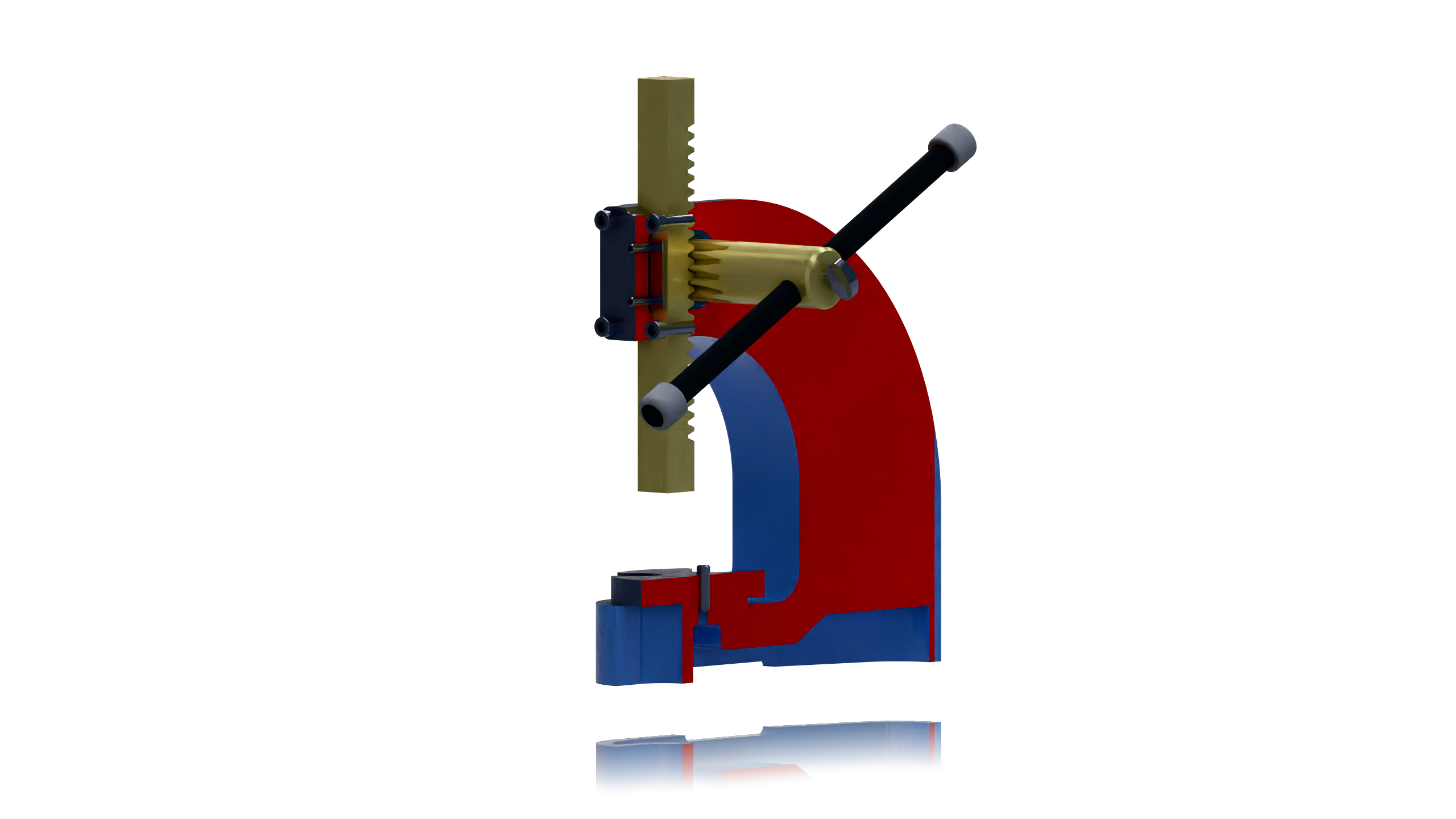
From model to result
-
01
Reveal the inside
Import your part or assembly and create a section or cutaway view. Use contrasting colors on cut faces to separate the section from the remaining surfaces.
-
02
Emphasize the details
Adjust edge display to make boundaries and component shapes readable. Position the camera so that the mechanism or feature you want to explain is visible.
-
03
Add lettering and render
Cut text into a part or imprint edges to define colored regions. Choose materials and render an illustration that communicates the product clearly.
Cut text is geometry in the model, so lettering appears in the rendered view. Section views and edge display help explain construction without rebuilding the design.
Getting Started with Geometry Modification
See tools for modifying imported geometry and sectioning assemblies to reveal internal details.
Watch on YouTubeTry it with your own model
Download VIZ, open the licensing dialog, select Power Surfacing Viz, and verify your email to start a 30-day evaluation. No automatic purchase follows the trial.